The Settings → Security section brings together tools that help protect your account and control access to your data.
Here, you can set up additional login protection, manage active sessions, restrict critical actions, and hide sensitive financial information.
ㅤㅤㅤ
Two-Factor Authentication (2FA)
Two-factor authentication adds an extra layer of security to your account when signing in. The following options are available:
- confirmation via email
- Google Authenticator
- using both methods at the same time

Once enabled, you’ll be required to enter a verification code when logging in. If both methods are selected, you’ll need to confirm your login using both codes.
ㅤㅤㅤ
Active Sessions
This section displays all devices that are currently signed in to your account. For each session, the following information is available:
- device
- location
- last activity time

The current session is marked as active. Available actions:
- Disable — end a specific session
- Refresh — update the list
- Log out from all — end all sessions except the current one
ㅤㅤㅤ
Account Deletion Confirmation
This feature adds an extra layer of protection to prevent accidental account deletion. When enabled:
- a confirmation prompt appears when attempting to delete an account
- a verification code is sent to the company owner’s email
- the account cannot be deleted without entering the code
The email also includes details about the account and the user who initiated the action.

ㅤㅤㅤ
Hiding Sensitive Data
This feature allows you to hide financial information on the screen by replacing actual figures with placeholders. You can hide:
- account balances
- transaction amounts
- data in analytics
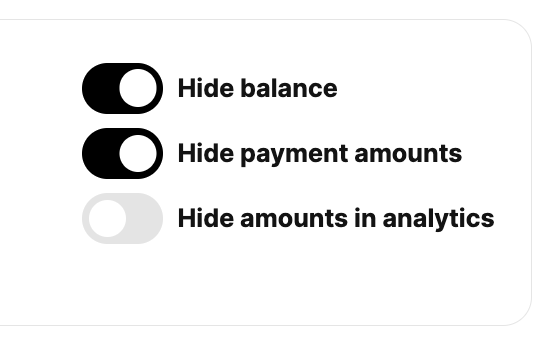
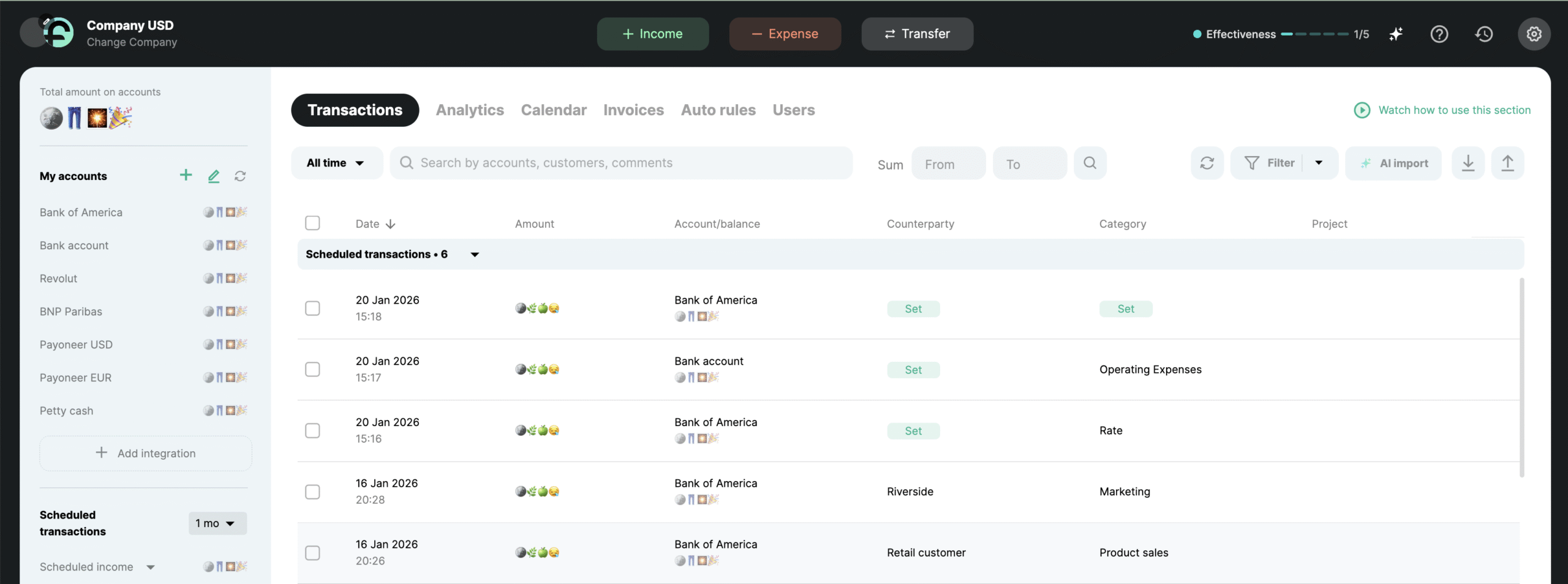
The data is hidden visually only — this does not affect calculations or reports. You can disable this feature at any time.
ㅤㅤㅤ
Account Deletion
In this section, you can permanently delete your account. To do this, click “Delete account”, confirm the action, and enter the code sent to your email.
Once confirmed, you will lose access to your account, and all companies and data will be permanently deleted.
⚠️ Please note: account and data recovery is not possible after deletion.

ㅤㅤㅤ
Additional Notifications
This section may also display system recommendations — for example, if your password is not strong enough (e.g., too short or missing special characters).
