ㅤSitniks — is a modern Ukrainian CRM system designed for small and medium businesses. It helps automate order management, inventory, delivery, sales, and financial processes. Companies can process orders quickly, manage stock, and coordinate teams with Sitniks.
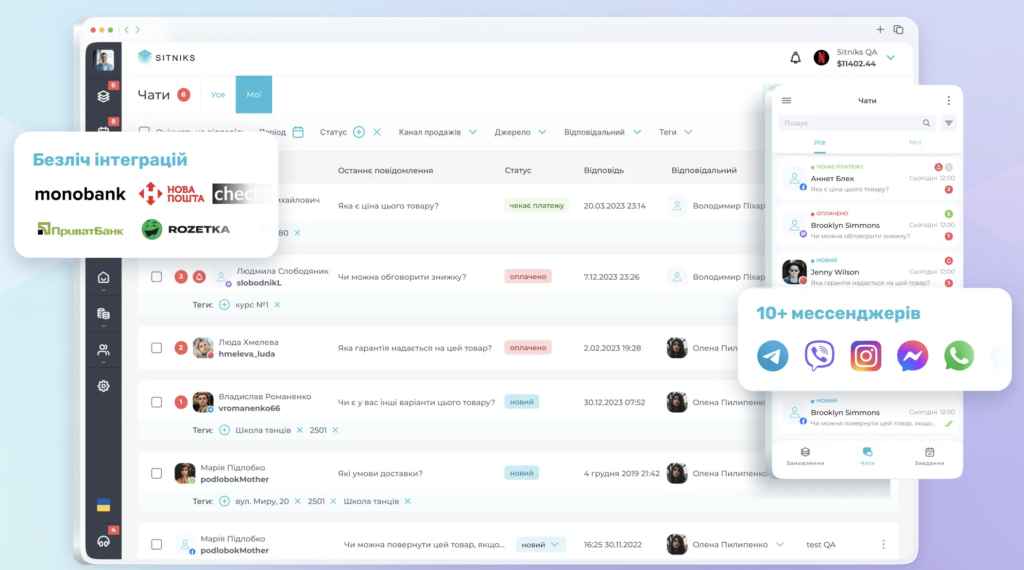
Integration helps automatically transfer data from Sitniks to Finmap so you can see the real financial picture of your business — without Excel or manual input.
Important! This guide describes the integration scenario between Finmap and Sitniks implemented in our production environment and provided as a paid service. You can also set up the integration самостоятельно using the open API of both systems.
ㅤ
⚙️ How the integration works
💡 What data is transferred to Finmap
✅ 1. Sales income
All paid orders from Sitniks are transferred to Finmap as income.
👉 You will see:
- payment amount
- date
- sales channel (Prom, Rozetka, etc.) — displayed as a tag in Finmap
- customer (in the comment)
- order number (in the comment)
✅ 2. Cost of goods (COGS)
If you use inventory tracking — Finmap will automatically reflect cost of goods sold.
👉 This means:
- stock write-off
- real expenses per sale
💡 This allows you to see real profit, not just incoming cash.
✅ 3. Refunds
If a customer makes a refund:
- it will appear in Finmap as an expense (with comment “Refund”)
✅ 4. Stock supplies
When you add stock in Sitniks:
- it appears in Finmap as inventory inflow (income transaction)
✅ 5. Additional information
Each transaction includes a comment with:
- order number
- customer
- sales channel
- order status
❌ What is NOT transferred
🚫 Bank transactions
(to avoid duplication with existing Finmap bank integrations)
🚫 Transactions from the “Finance” section in Sitniks
🚫 Unpaid orders
⚙️ How it works
- New orders automatically appear in Finmap
- Data is updated every hour
- No manual input required
Data transfer to Finmap
Data is transferred via the Finmap API key.
If a transaction fails — the system retries every 15 minutes.
Logs & reliability
- All actions are logged
- In case of errors — the team is notified for quick resolution
🧾 What is required to start
After approving the integration scenario described above and completing the payment, you need to provide the Finmap manager with:
- Username (unique identifier for integration, e.g. sitniks_user_1; does not affect functionality)
- Sitniks API key
- Finmap API key
- Finmap account names where data should be transferred (e.g. sales → “Sitniks”, inventory → “Warehouse”)
- Start date for synchronization (e.g. 01.01.2026)
Important! Do not delete the API keys provided for the integration. Deleting them will stop the integration.
✅ Done! Sitniks integration with Finmap is set up.
Important!
Upon your request, we can adjust the integration scenario or create a custom version.
Such requests are reviewed individually and priced depending on complexity.