ㅤ
Financial performance is a report that helps businesses assess profitability based on real income and expenses in Finmap. The report allows you to see how key indicators are formed, which areas generate income and which incur expenses, and how these results change over time.
The report is based on data from the P&L. To correctly calculate the value of each indicator, select which categories of income and expenses should participate in the calculation. After saving the selection, the system calculates the values by month for the selected period.
ㅤ
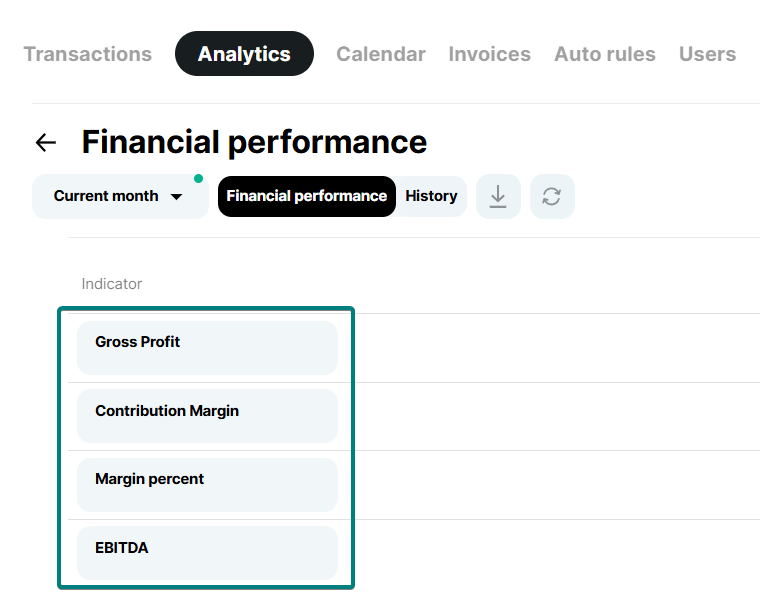
What metrics are available?
- Gross profit
- Contribution Margin
- Margin percent
- EBITDA
ㅤ
Formulas for calculating indicators
For transparency, the system uses standard financial formulas:
- Gross profit – calculated by the formula: Revenue – COGS (cost of goods sold);
- Contribution Margin – calculated by the formula: Revenue – Variable costs;
- Marginality – calculated by the formula: (Profit ÷ Revenue) × 100%;
- EBITDA – calculated by the formula: Revenue – Operating expenses.
ㅤ
ㅤ
📌Importantly
The report can be downloaded in XLS format if it is necessary to transfer it to an accountant, analyst or for internal reporting.
The report is available to company owners and users with full access to Finmap.
To monitor changes in the report, the History tab is available, which displays who made the changes and when they were made. This allows you to avoid confusion and transparently understand how the calculation model is formed.
ㅤ
ㅤ