


Contents
Connecting Poster to Finmap
Synchronization between Poster and Finmap allows you to automatically transfer cash transactions from Poster to Finmap. This saves time, reduces manual work, and helps keep your cash flow data in Finmap up to date.
Steps to connect synchronization
Go to your personal account in the Finmap service Next, select 👉 My Accounts - Create a new account and specify the desired name for it
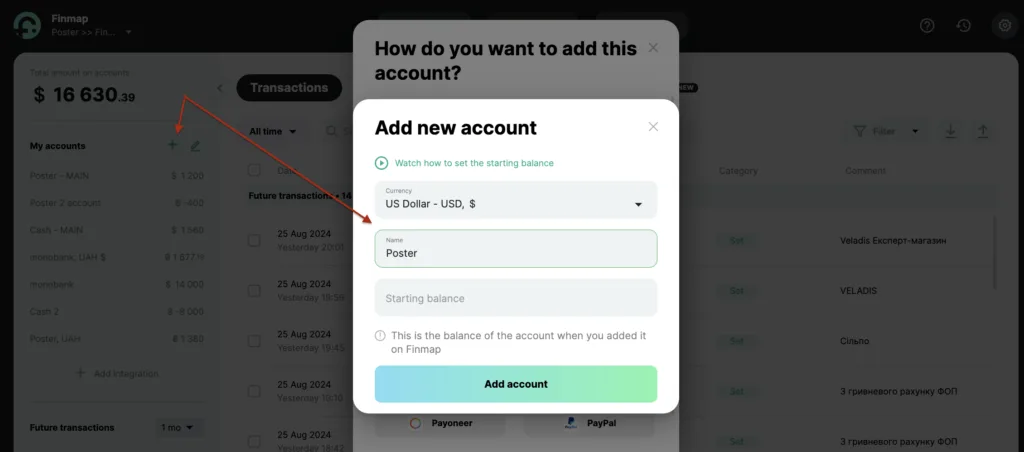
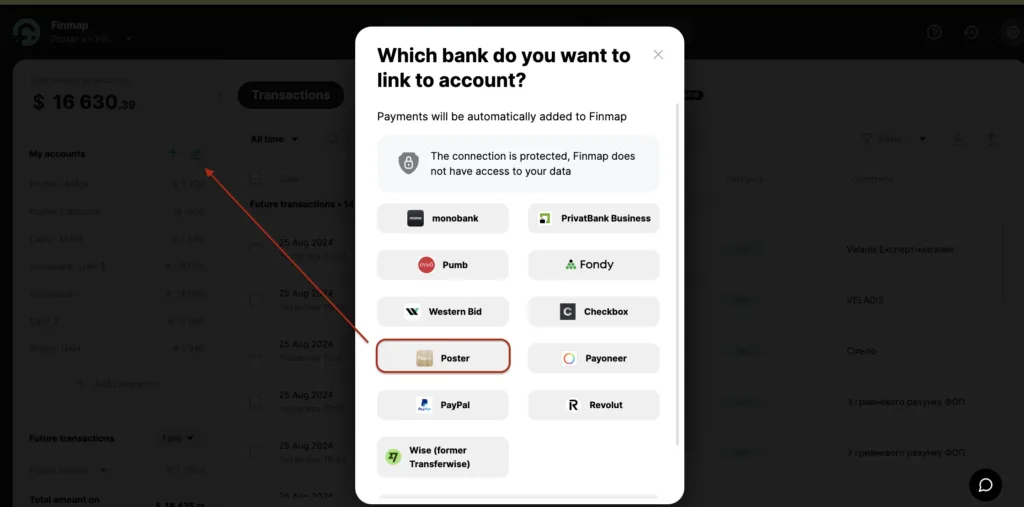
Click "Edit accounts", select the account you want to connect the integration to, then select Poster in the banks menu
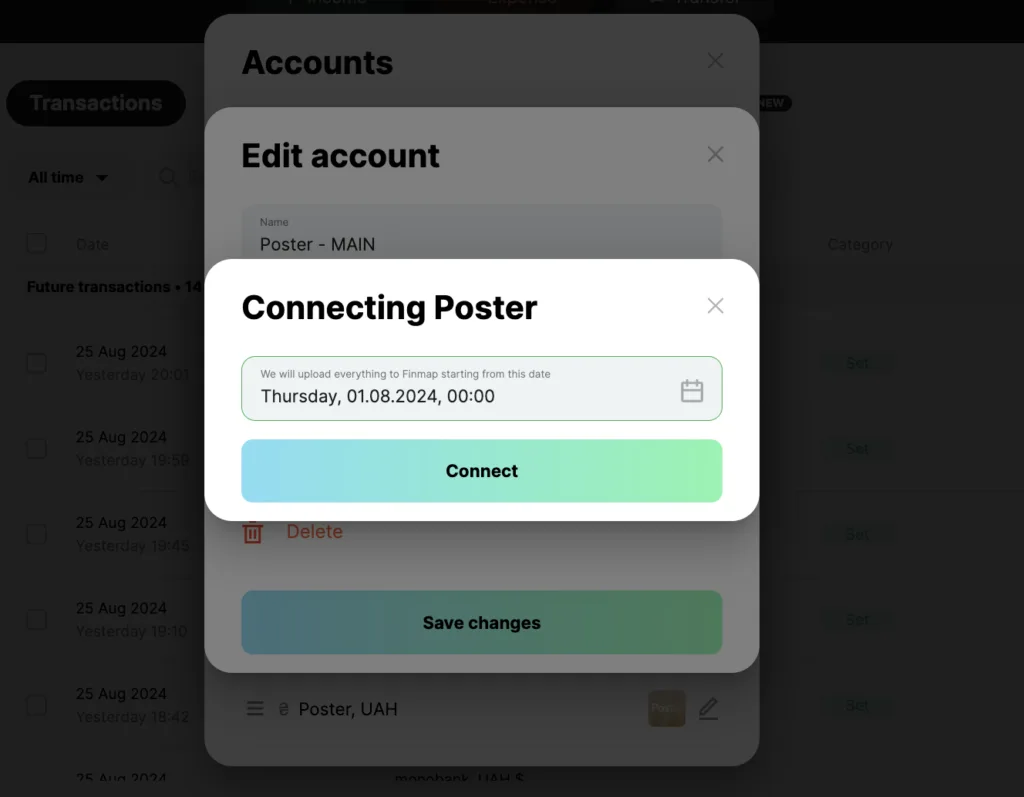
Specify the date from which you want to start synchronization and click "Connect"
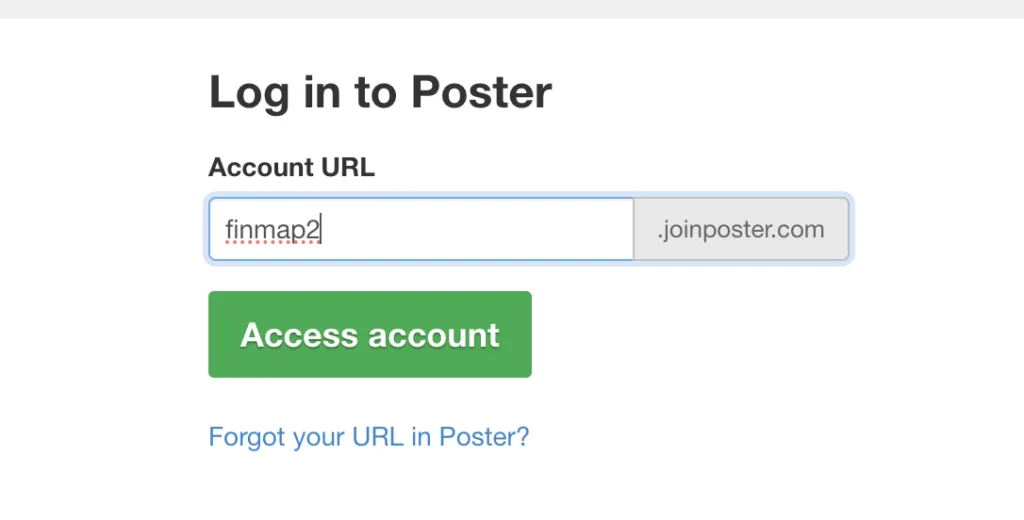
Next, you need to log in to Poster by entering your account URL

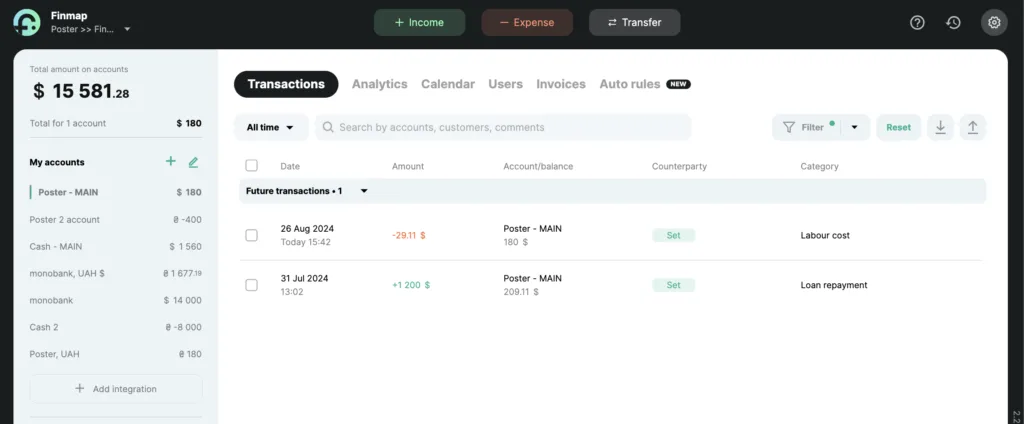
After completing all the necessary actions in your personal account, you will be redirected to Finmap and you will receive payments on the account to which you have connected the integration 🎉
Important! Finmap imports cash register transactions from Poster. Currently, data from the warehouse and other accounts are not transferred. If you need to connect other accounts for transaction import or are interested in additional improvements, please describe your request in the form.
🎞 A quick video overview of connecting Poster to Finmap