


Contents
Integrating KeepinCRM with Finmap via Apix-Drive
How to connect KeepinCRM to Finmap via Apix-Drive: a step-by-step guide to setting up the automatic transfer of financial transactions.
What is Apix-Drive
Apix-Drive is a no-code automation platform that lets you exchange data between different services without writing code.
For the integration with Finmap the flow looks like this:
KeepinCRM → Apix-Drive → Finmap
Apix-Drive tracks changes in KeepinCRM and automatically creates the corresponding financial operations in Finmap.
How the integration works
To set up the integration you need to:
Choose the source system (KeepinCRM).
Specify the event that will start the automation.
Log in to KeepinCRM.
Connect Finmap.
Map the fields.
Launch the integration.
After that, all new events will reach Finmap automatically.
Step 1. Create a new connection
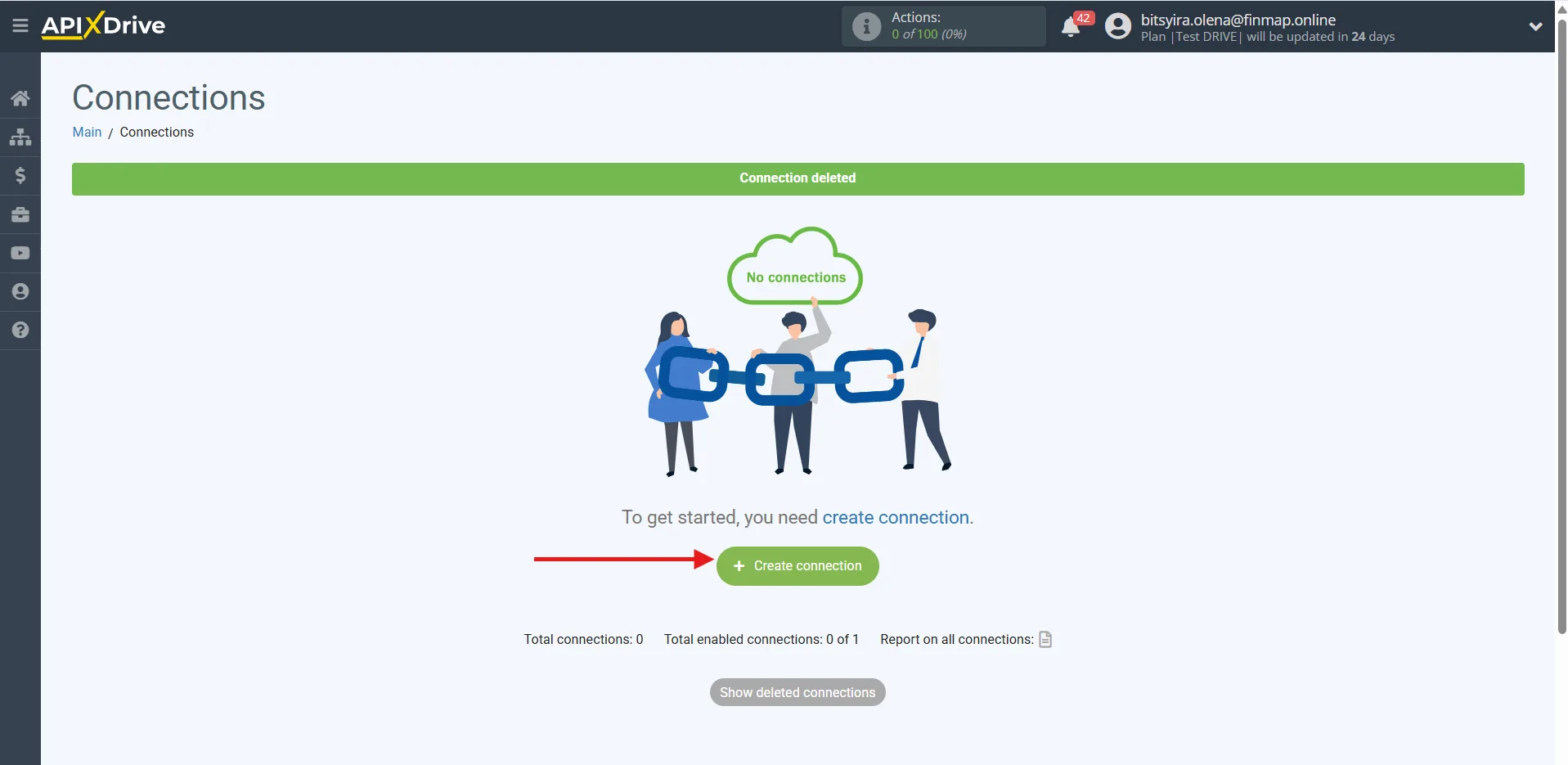
In your Apix-Drive account, create a new Connection.
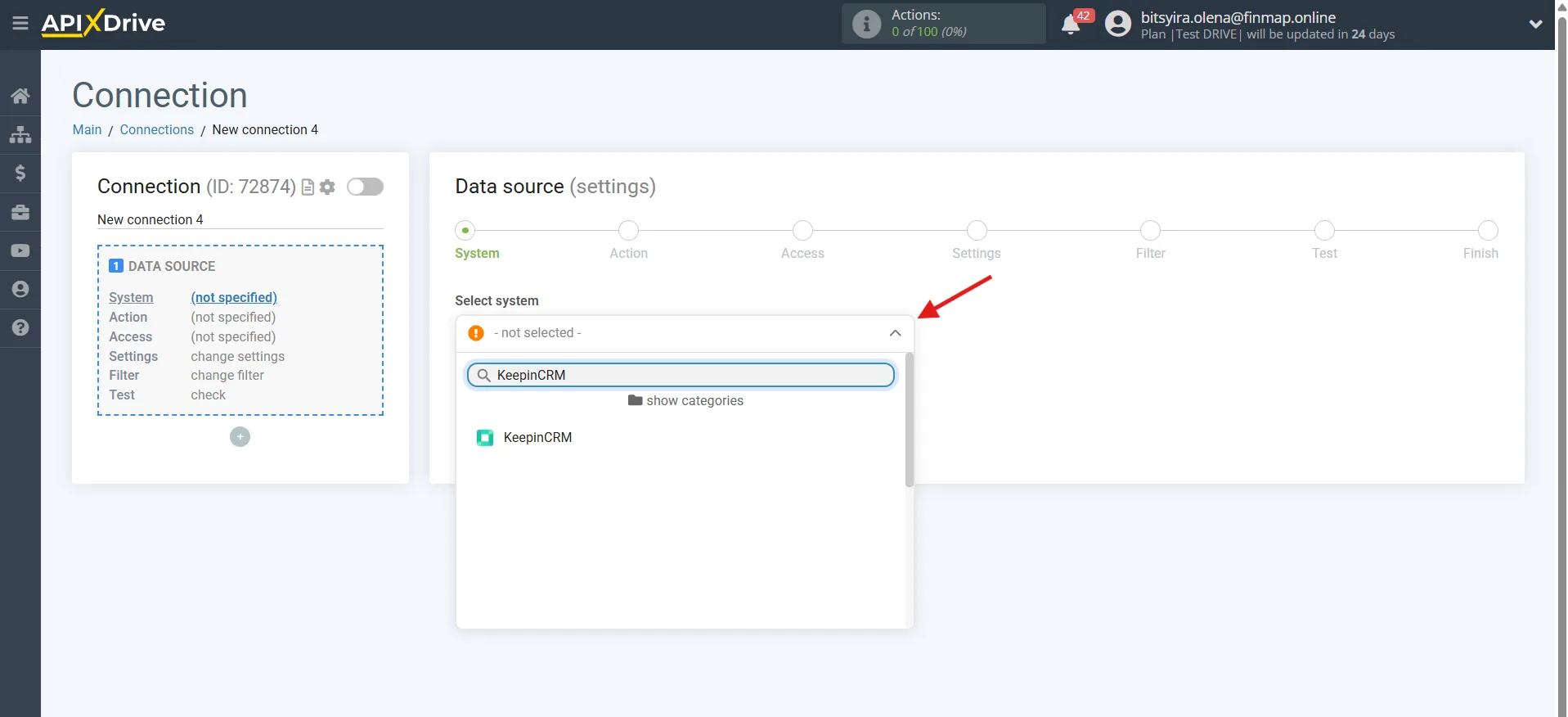
As the source system, choose:
KeepinCRM
Step 2. Choose the trigger
KeepinCRM supports the following events.
Get CLIENTS (new)
Fires after a new client is created.
When to use it:
creating counterparties automatically;
synchronizing the client base.
Rarely used for the integration with Finmap.
Get AGREEMENTS (new)
Fires after a new agreement is created.
This is one of the most useful triggers for the integration with Finmap.
Used when financial operations need to be created automatically once a new agreement appears.
Get AGREEMENTS (modified)
Fires after an agreement is changed.
For example:
the amount changed;
the details changed;
the terms of the agreement changed.
Used when financial information needs to be updated after changes are made.
Get AGREEMENTS by status (new)
Fires after an agreement moves to a certain status.
For example:
Paid
Completed
Closed
This is the most recommended trigger for the integration with Finmap.
It lets you create financial operations only once the required business scenario has occurred.
Step 3. Connect your KeepinCRM account
Log in to your KeepinCRM account and grant Apix-Drive access to the data.
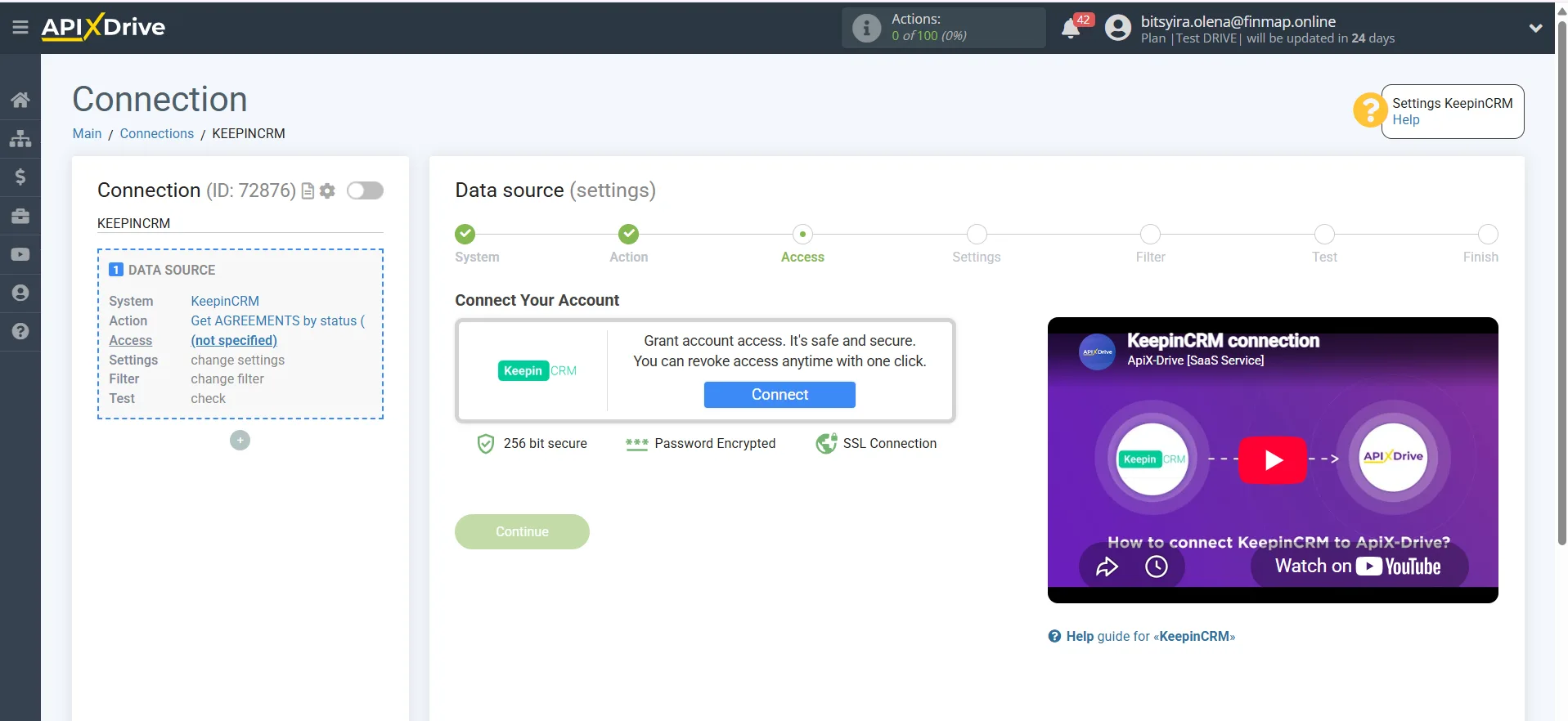
KeepinCRM API key: https://keepincrm.com/api-key
Step 4. Choose the destination system
As the destination system, choose:
Finmap
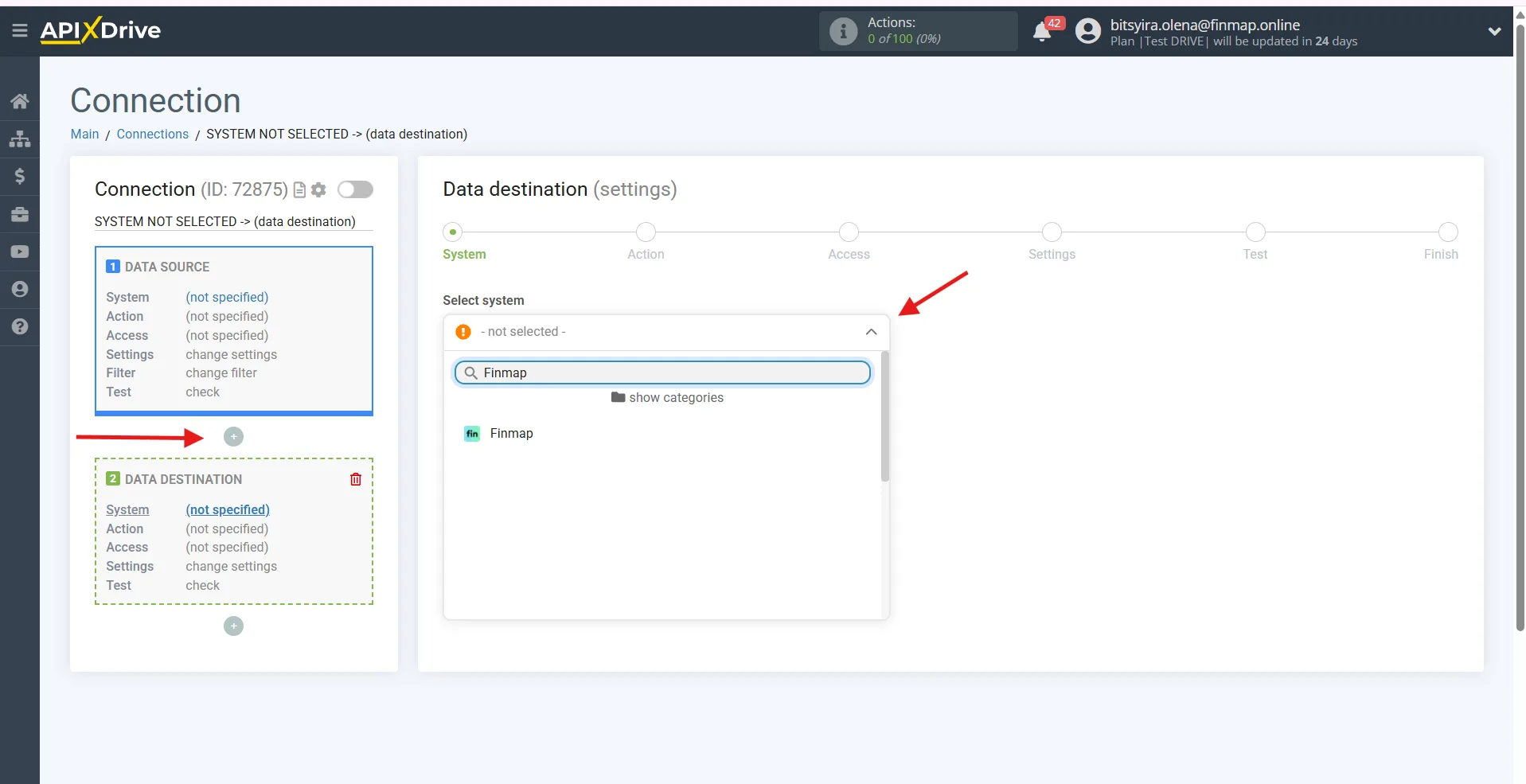
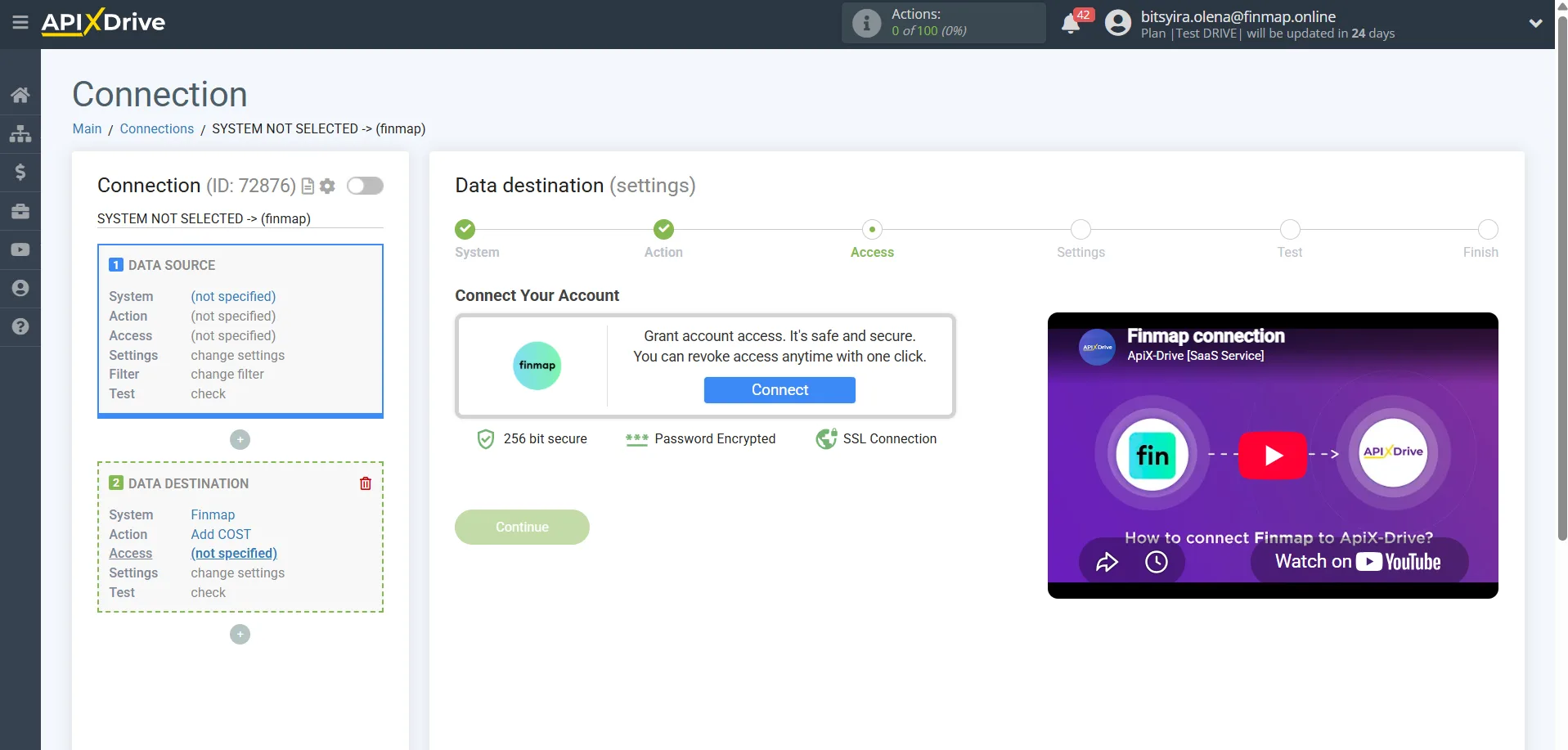
You can generate the Finmap API key here: https://my.finmap.online/settings/api
Step 5. Choose the action in Finmap
Finmap currently supports three types of operations.
Add RECEIPT
Creating income.
Used for:
client payments;
payments under agreements;
revenue received.
Add COST
Creating an expense.
Suitable for:
purchases;
expenses under agreements;
fees;
service payments.
Add TRANSFER
Creating a transfer between the company accounts.
Step 6. Map the fields
Pass the required data from KeepinCRM to Finmap:
amount;
date;
client;
agreement number;
comment;
currency;
project;
account.
After that, run a test send.
Step 7. Launch the integration
If the test succeeded, turn the automation on.
After that, all new events will create financial operations in Finmap automatically.
Recommended integration scenarios
1. New agreement → Income in Finmap ⭐⭐⭐⭐⭐
Trigger
Get AGREEMENTS (new)
Action
Add RECEIPT
Suitable for companies that want new sales or signed agreements to appear in their financial system automatically.
2. Agreement moved to the «Paid» status → Income ⭐⭐⭐⭐⭐
Trigger
Get AGREEMENTS by status (new)
For example:
Paid
Successfully completed
Closed
Action
Add RECEIPT
This is the most recommended scenario, since only actual payments reach Finmap, not every agreement created.
3. Agreement amount changed → Financial information updated ⭐⭐⭐⭐☆
Trigger
Get AGREEMENTS (modified)
Action
Add RECEIPT
Lets you account for changes in the agreement value before it is fulfilled.
If an agreement is edited several times, it is worth setting up logic that avoids creating duplicate operations.
4. New client → Creating a financial operation ⭐⭐⭐☆☆
Trigger
Get CLIENTS (new)
Action
Add RECEIPT or Add COST
Used far less often. Worthwhile only when the business process calls for financial operations to be created as soon as a new client is added.
What to pay attention to
If you use Get AGREEMENTS (new) and Get AGREEMENTS (modified) at the same time, it is worth putting a safeguard in place against duplicate operations in Finmap.
For most companies the best option is to create income once the agreement moves to the «Paid» status, since that is what reflects the actual movement of money.
If KeepinCRM uses several agreement fulfillment statuses (for example «Agreed», «In progress», «Paid», «Closed»), we recommend starting the integration from the status that means the money has been received.
If two-way synchronization or later updates to operations are planned, we recommend passing a unique agreement identifier (Agreement ID). This will help match records correctly between KeepinCRM and Finmap and avoid duplication.