


Contents
Action History in Finmap
“Action History” is a log of every action in the company: who created, changed, or deleted what, and when.
Quick access to Action History
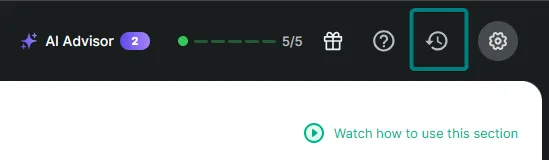
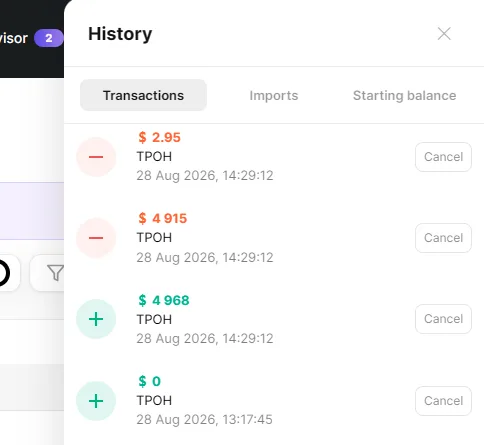
There's a clock icon in the top menu of the service — next to the notification and settings icons. It opens a compact “Action History” window with three tabs: Payments, Imports, Starting balance.
Next to each payment or import entry is an “Undo” button, which instantly undoes that specific action or import. This is handy when you need to quickly roll back one recent action.
Full version — the “Action History” section
If you need to view the company's entire action log or undo several actions at once, go to Analytics → Action History.
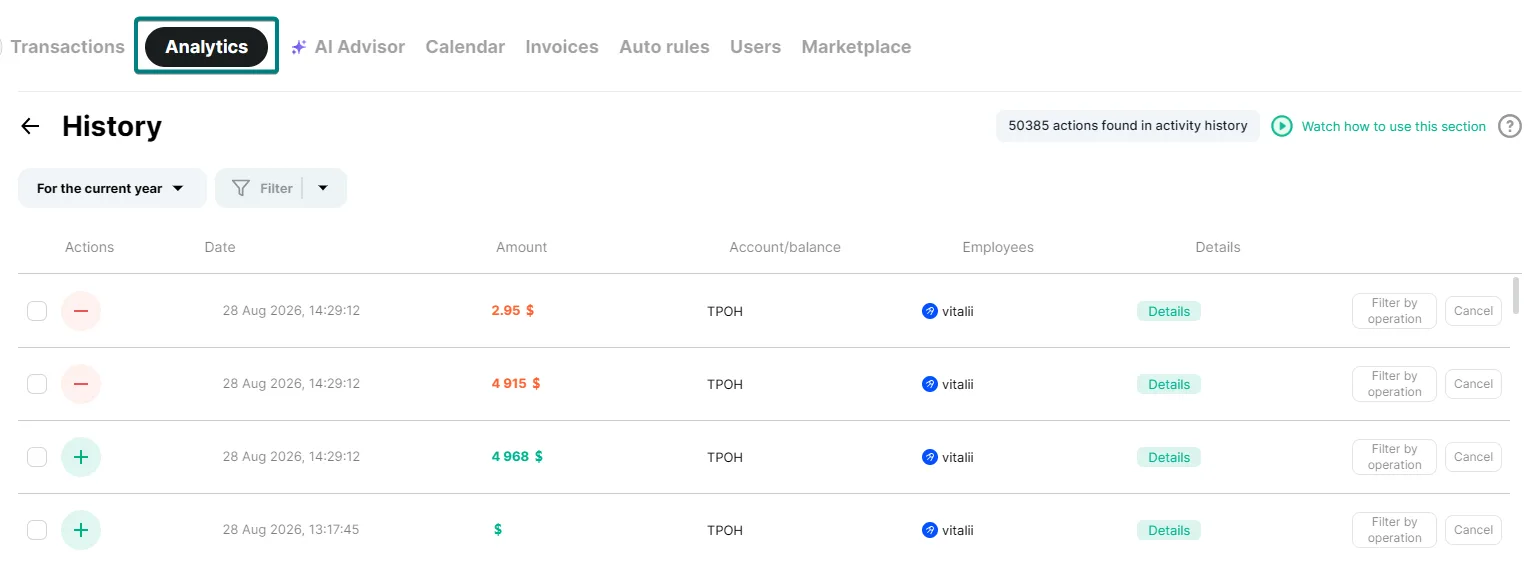
Here you can see every action: its type (creation, editing, deletion), date, amount, account, and the employee who performed it. The “Show all actions for this operation” button opens the full change history for a specific payment. The “Undo” button undoes a specific action.
Use the filter and the period selector at the top of the page to narrow down the list — for example, by date, employee, or account. This is especially useful when there are a lot of entries.
How to undo several actions at once
1. Check the checkboxes next to the actions you want to undo.
2. A panel with the “Cancel actions” button will appear at the top.
3. Click the button and confirm.
4. Wait for the undo counter to finish.
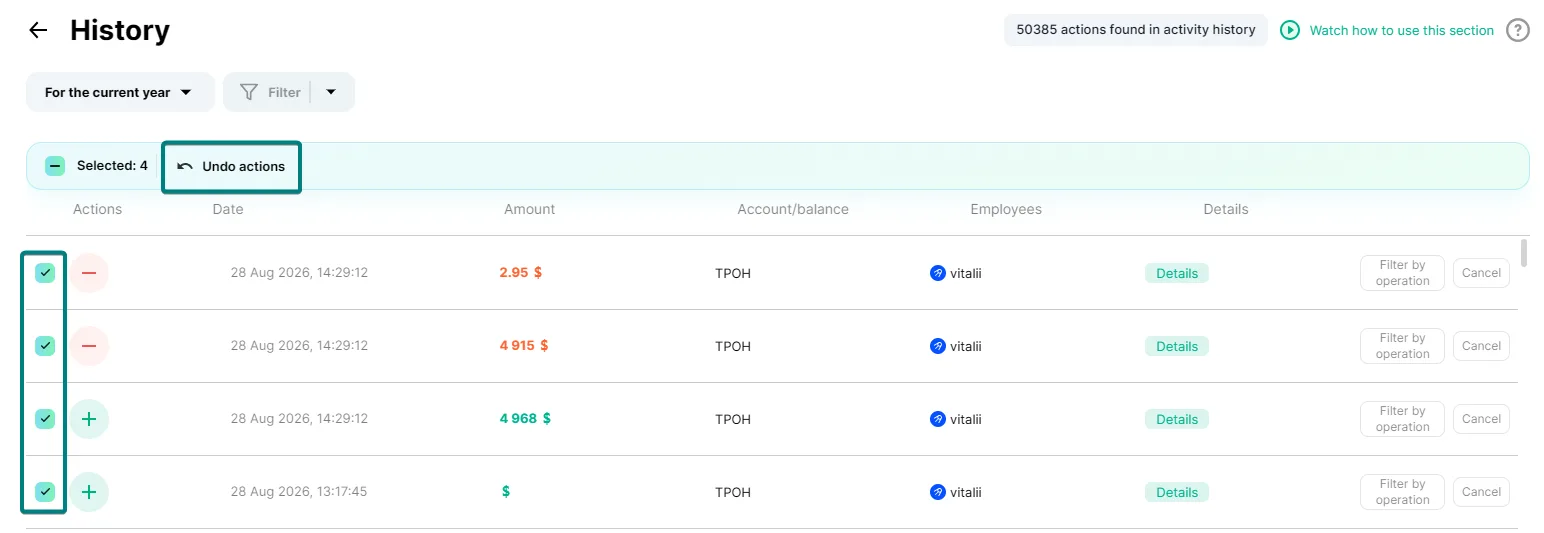
Actions are undone one after another, in sequence — just as if you'd clicked each one manually.
What exactly gets restored
Depending on which action you undo:
The operation was created → undoing will delete that operation.
The operation was deleted → undoing will bring the operation back.
The operation was edited → the values will revert to their state before the edit: amount, date, category, counterparty, account, projects, tags.
The undo action itself is also logged in Action History — as a separate row with an undo icon. So the log always shows the full picture: what was done, that it was undone, and by whom.
Which actions can't be undone
There's no checkbox next to an action if:
this action was already undone before — there's nothing left to undo;
it isn't the most recent deletion of the operation — you can only restore from the most recent deletion.